
Production Schedule
See bookings, jobs, mechanic work, and shop capacity in a practical daily schedule.
- Appointment and job visibility
- Mechanic and bay planning context
- Designed to prevent overcommitted days
Connect the production schedule, assignments, technician workspace, parts requests, shift time, and owner overview.
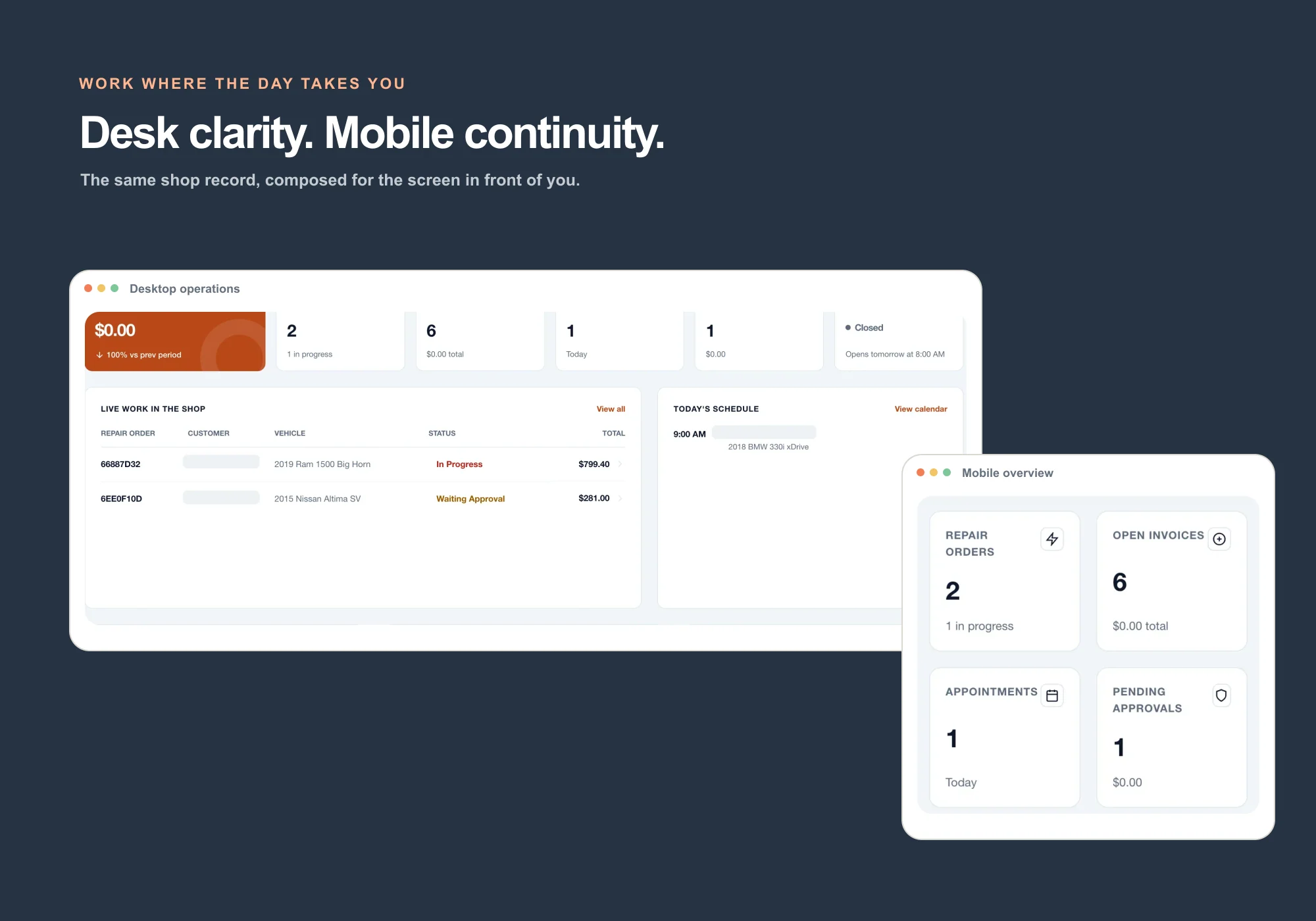
Plan capacity, assign the right technician, and give the bay a focused view of the work that needs attention.
See bookings, jobs, mechanic work, and shop capacity in a practical daily schedule.
Assign work to the right mechanic and keep job ownership visible across the shop.
Block holidays, shop closures, or one mechanic’s time away so booking and scheduling use real availability.
Give mechanics a simple shift clock and give owners a seven-day billed-labor comparison.
A restricted web workspace for technicians: assigned jobs, vehicle details, notes, photos, inspections, parts requests, and shift time.
Let mechanics request a part from an assigned repair order without giving them the full inventory workspace.
Give owners, advisors, and technicians a role-aware mobile workspace for repair orders, check-in, customers, invoices, and assigned work.
A simple operating dashboard for what needs attention across jobs, appointments, invoices, calls, customers, and usage.
Repair orders, inspections, estimates, approvals, and final check.
8 workflowsBooking, phone, messaging, reminders, and service history.
9 workflowsPurchasing, invoicing, payments, accounting, and owner reporting.
7 workflowsDeferred work, reviews, loyalty, campaigns, and online presence.
See the work, the team, and the money from anywhere.
One plan. No contract. Cancel anytime.