
01 · Intake
Get the keys into a usable record.
Public booking checks configured availability. Scheduled and walk-in check-in then capture the customer, vehicle, concern, arrival, VIN, and the details your team can finish after the keys are tagged.
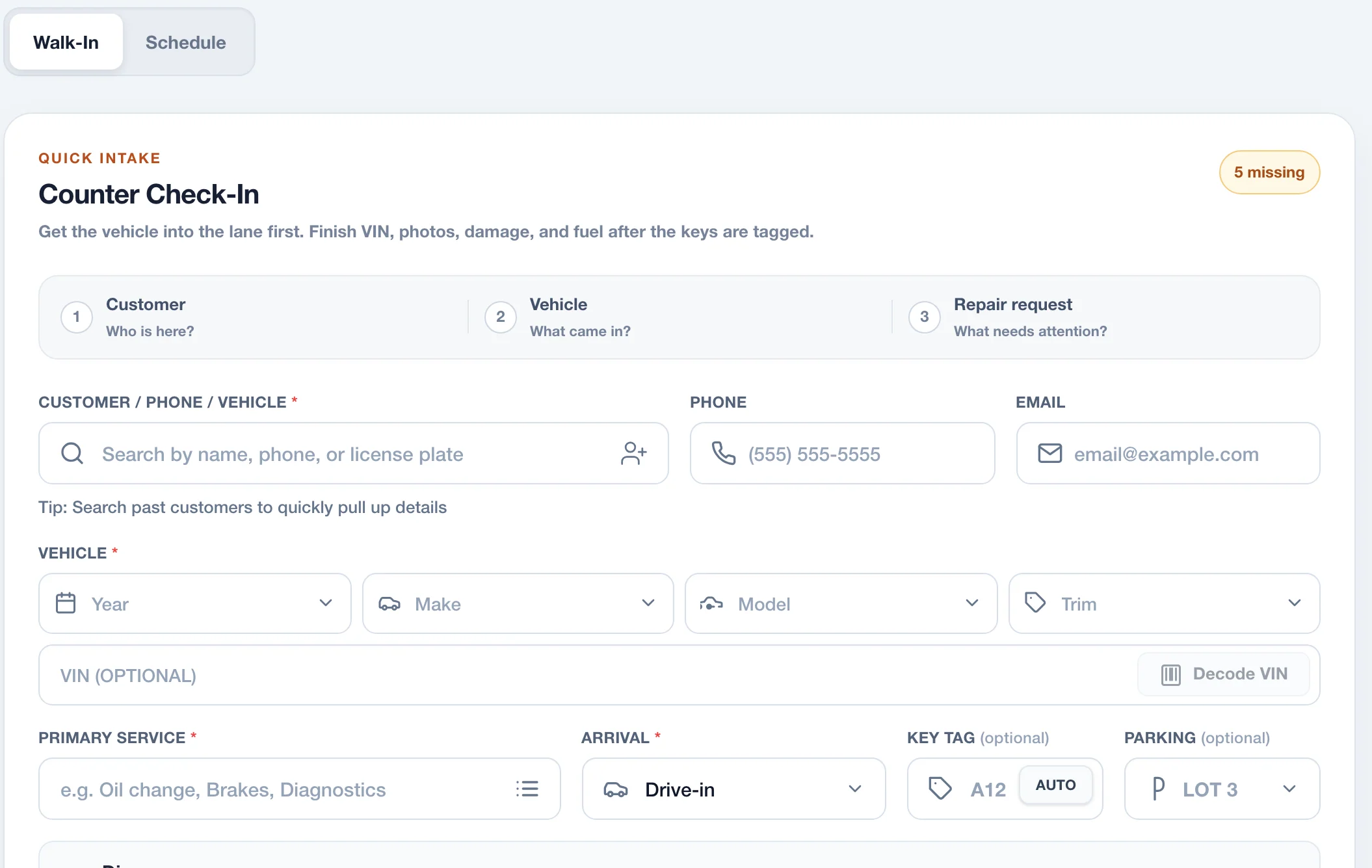
Every handoff starts with the same customer, vehicle, and repair record. Your team adds the next decision instead of rebuilding the last one.
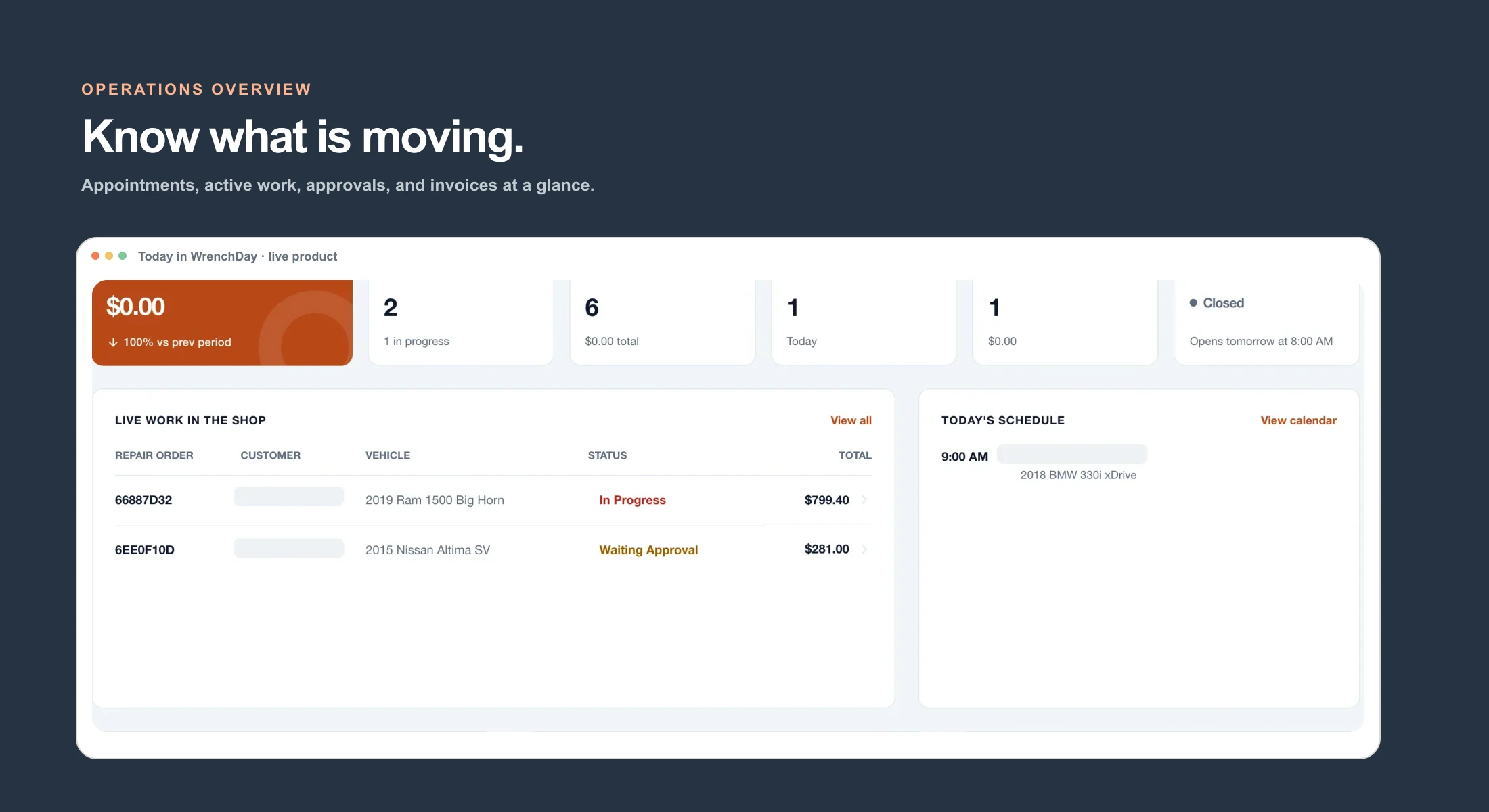
These are current WrenchDay screens captured from the live local application with identifying demo fields removed.
Public booking checks configured availability. Scheduled and walk-in check-in then capture the customer, vehicle, concern, arrival, VIN, and the details your team can finish after the keys are tagged.
Repair-order stages, assignments, labor, parts, notes, photos, inspection checkpoints, vehicle data, recalls, and history stay connected as the work moves through the shop.
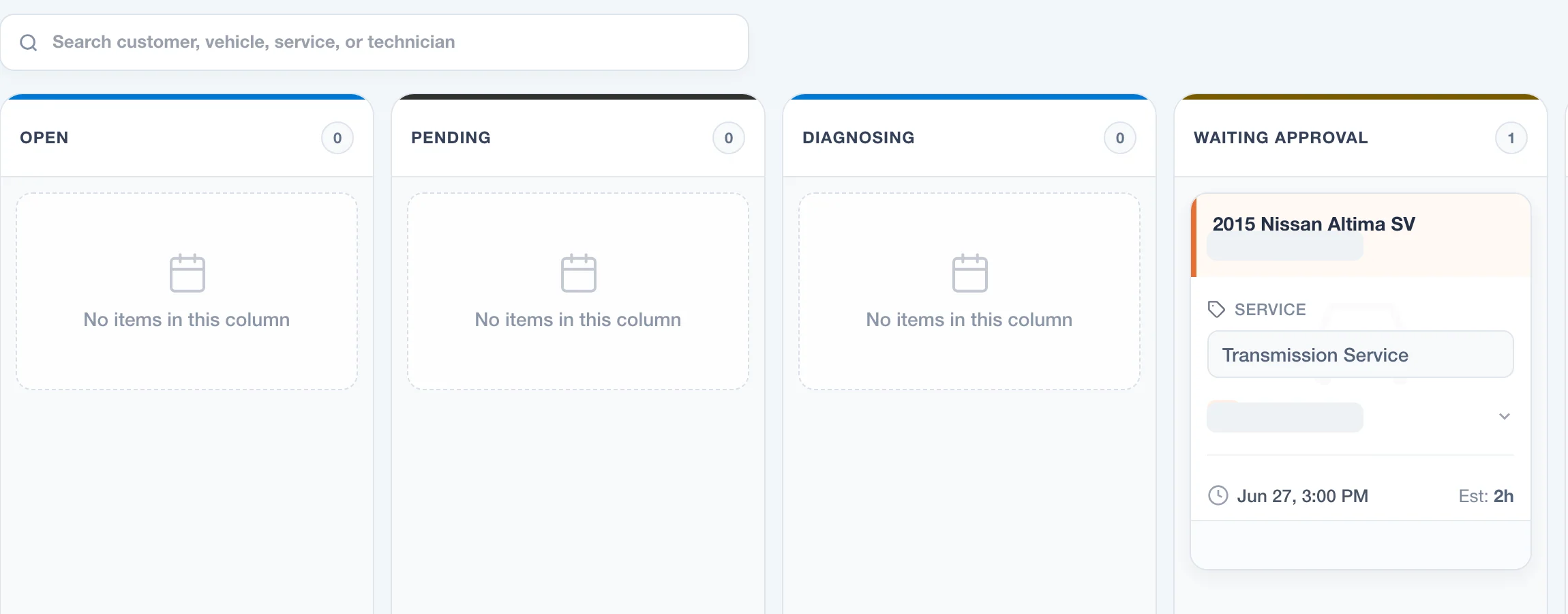
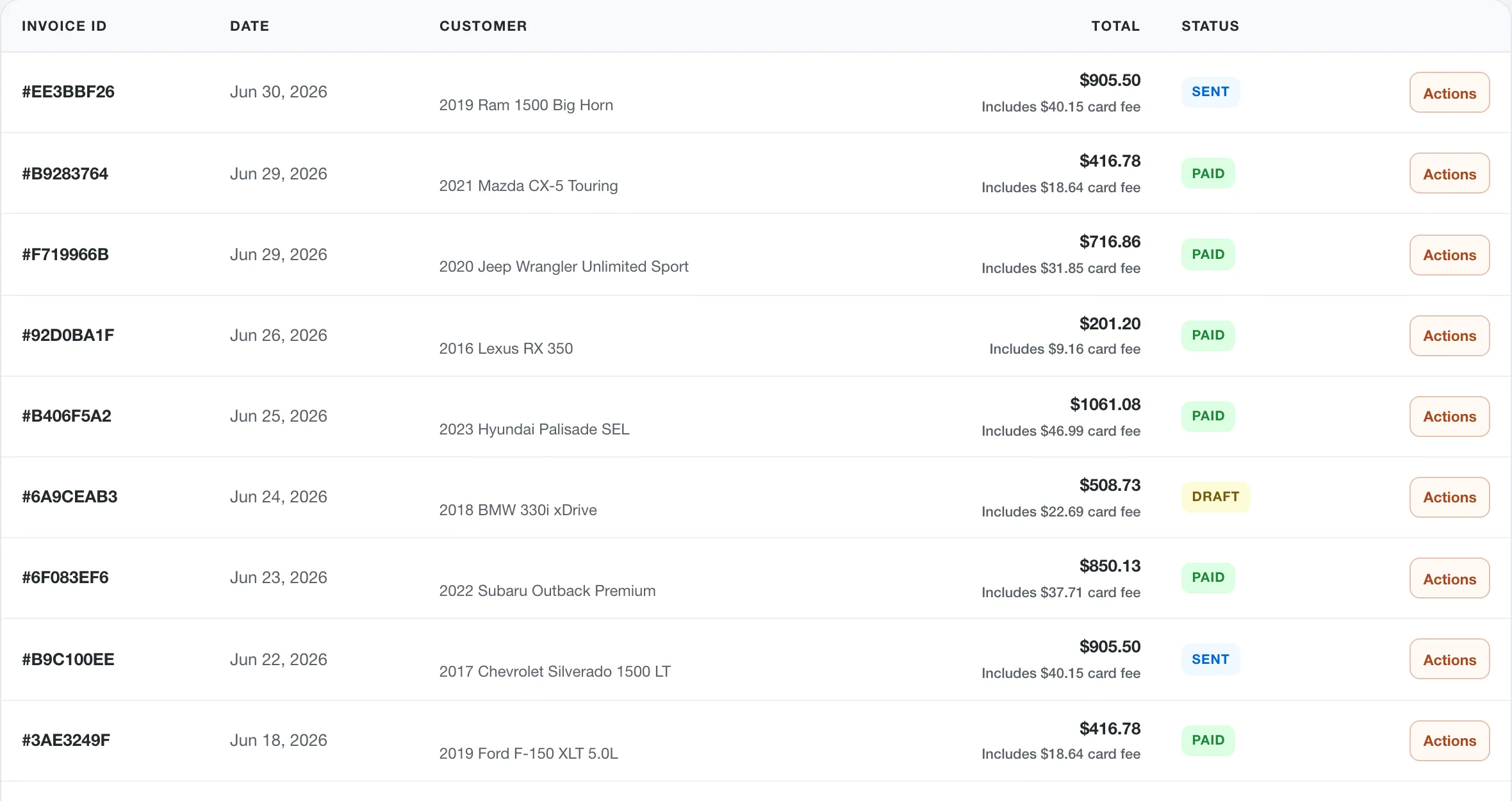
Customers can accept or decline individual estimate items, sign repair authorization, receive an invoice, and use an eligible Stripe payment link. The status stays visible to the shop.
Every route below is a real, indexable feature page—not a modal or an empty redirect.
Keep appointments, repair orders, customer approvals, invoices, and team handoffs connected in one practical workspace.